
You receive an email from your HR department with a MyPrimobox activation link, you postpone it until the next day, and then the email gets buried under dozens of notifications. As a result, the payslip for the month is already available in a digital vault that you have never accessed. Creating and activating your MyPrimobox account takes a few minutes, but there are certain points worth focusing on to avoid blocking your access later.
MyPrimobox Digital Vault vs. Simple Storage Space: A Technical Distinction
MyPrimobox is not a shared folder or a traditional drive. The platform operates as a digital vault compliant with current regulations, meaning that documents deposited by the employer cannot be modified or deleted, neither by the employee nor by the company itself.
This distinction has a concrete impact: a simple online storage space can disappear if the provider shuts down its service. A digital vault adheres to rules of preservation and restitution. This is why the account remains usable after leaving the company, provided that a personal email address has been provided.
A practical guide on Infos Décideur details the complete procedure for activating the employee vault, particularly the part related to linking the personal email address.
Activating Your MyPrimobox Account Based on the Support Received
Activation does not follow a single path. It depends on the support provided by the employer: email or paper mail. Both lead to the same result, but the steps differ slightly.
Activation via Email
The employer triggers the sending of an activation email to the employee’s professional (or personal) address. This email contains a clickable link that opens the password creation page on myprimobox.net.
- Click on the link in the email before it expires (check the deadline indicated in the message)
- Create a password while adhering to the criteria displayed on the screen (length, special characters)
- Provide a personal email address to retain access after a potential change of employer
- Validate the verification code sent to this personal address
If the activation email does not appear in the inbox, check the spam and promotions folders. In case of total absence, it is the company’s HR service that must resend it from its Primobox interface.
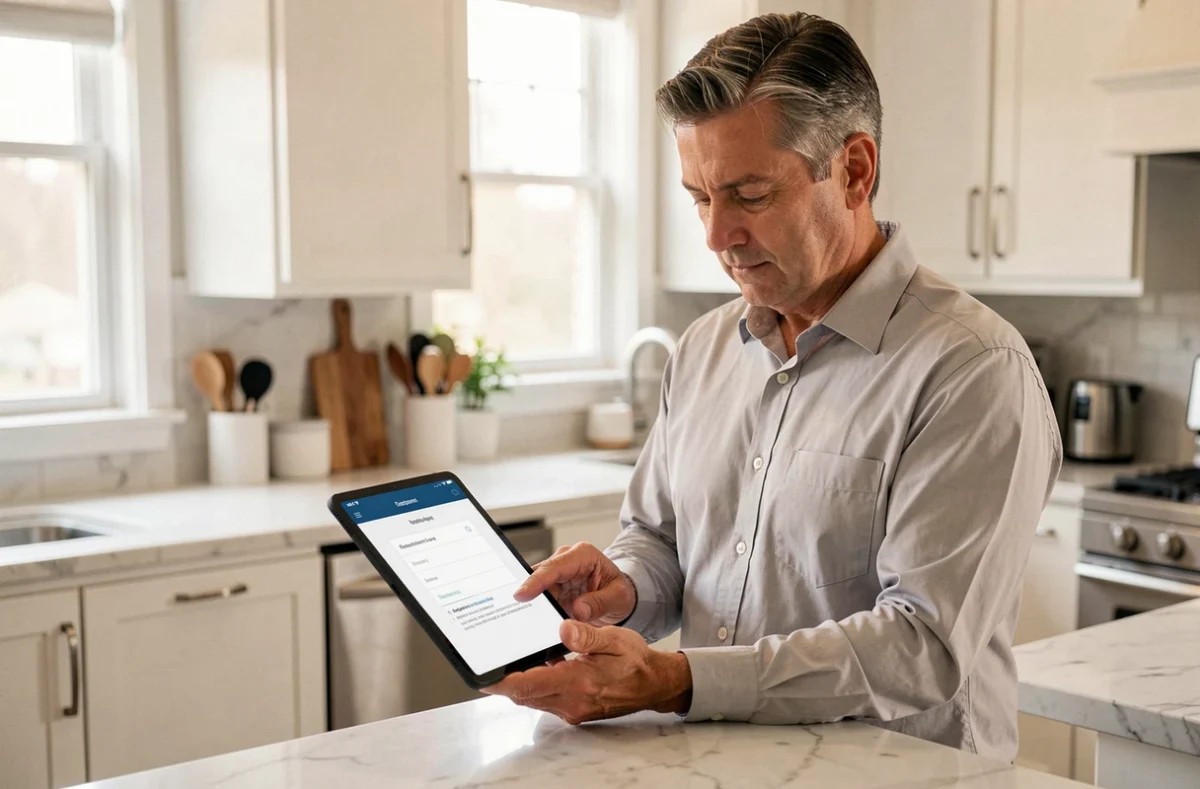
Activation via Paper Mail
Some companies send a postal letter containing a username and a temporary password. You then go directly to myprimobox.net, enter this information, and follow the same process: creating a final password and adding a personal email address.
The paper mail often concerns employees who do not have a professional email address or whose position does not involve daily computer access. The speed of receiving this mail varies depending on the companies.
Email Code Validation and Device Memorization
After the first login, MyPrimobox may request a validation code sent by email during subsequent logins. This two-factor authentication mechanism protects access to payslips and personal documents stored in the vault.
This code is not systematically requested at every login. The platform allows you to remember a device for 90 days, which avoids having to re-enter the code at each visit. The condition: do not delete your browsing data (cookies, cache) during this period.
Authentication via a mobile application is also available as an alternative to the email code. This option is suitable for employees who access their documents from a smartphone and prefer quicker access.
Right to Object to Electronic Payslips
Activating the MyPrimobox account does not mean giving up all control over the format of your payslips. The employee retains the right to object to electronic payslips. The company may choose dematerialization by default, but it must inform each employee in advance.
In case of refusal, the employer is required to provide a paper payslip. This right can be exercised at any time, not just during activation. Therefore, you can create your MyPrimobox account to access other HR documents (certificates, contracts) while requesting to maintain the payslip in paper format.
This possibility is often overlooked. It concerns the dematerialization system as a whole, not just the technical modalities for connecting to the platform.

Maintaining Access to MyPrimobox After Leaving the Company
One point that many employees discover too late: the MyPrimobox account and the documents it contains remain accessible after the end of the employment contract. Archived payslips do not disappear upon departure.
For this portability to work, two conditions must be met before leaving the company:
- Have linked a personal email address (not the professional address, which will be deactivated)
- Have noted or memorized your login credentials independently of the former employer’s IT system
- Check that you can log in from a personal device, without going through the company’s network
If the login email is only the professional address, recovering the account after departure becomes complicated. It is better to modify this setting right at activation rather than leaving it for the last day.
The digital vault is intended to accompany the employee throughout their career, not just during the duration of a contract. This logic of portability justifies the initial effort of configuration with a personal address and a robust password.